
NVIDIA DGX Spark 2 Pack with Cable Bundle
5.0Editor score
Up to 1 petaFLOP AI performance
128GB unified memory per unit
Full NVIDIA AI software stack integration
Compare the top Cpus for Machine Learning including NVIDIA DGX and AMD Ryzen processors for AI workloads local fine tuning and enterprise scale computing.
Choosing the right central processing unit is critical for modern machine learning workflows. You need hardware that balances raw computational power with energy efficiency to handle complex models effectively.
This guide evaluates ten leading processors and AI desktops based on core counts, cache sizes, and architecture capabilities. We focus on real world performance for training and inference tasks.
Each section details specific strengths and trade offs to help you match hardware to your specific project needs. Prices and availability may vary so verify current listings before purchasing.
5.0Editor score

5.0Editor score

4.8Editor score
This table provides a side-by-side look at core counts cache sizes and key architectural features across all ten top rated CPUs and AI desktops.



The NVIDIA DGX Spark 2 Pack delivers unprecedented AI performance directly to your desk. It is rated highly for its ability to handle local model fine-tuning and inference with massive unified memory.
We may earn a commission when you buy through this link, at no additional cost to you.
This system leverages the Grace Blackwell architecture to provide up to 1 petaFLOP of AI performance. It allows researchers to experiment with models up to 200 billion parameters without cloud dependency.
While the cost is significant, the ROI comes from reduced cloud usage and faster iteration cycles. The integrated software stack ensures you can deploy locally and scale anywhere.
Buy this if you need enterprise-grade AI capabilities on-premise. It is ideal for teams prototyping large models in a secure high-performance setting.
The 128GB unified memory per unit supports large AI models that would otherwise require distributed systems.
Built-in support for the NVIDIA AI stack simplifies development workflows and reduces compatibility issues.
We may earn a commission when you buy through this link, at no additional cost to you.
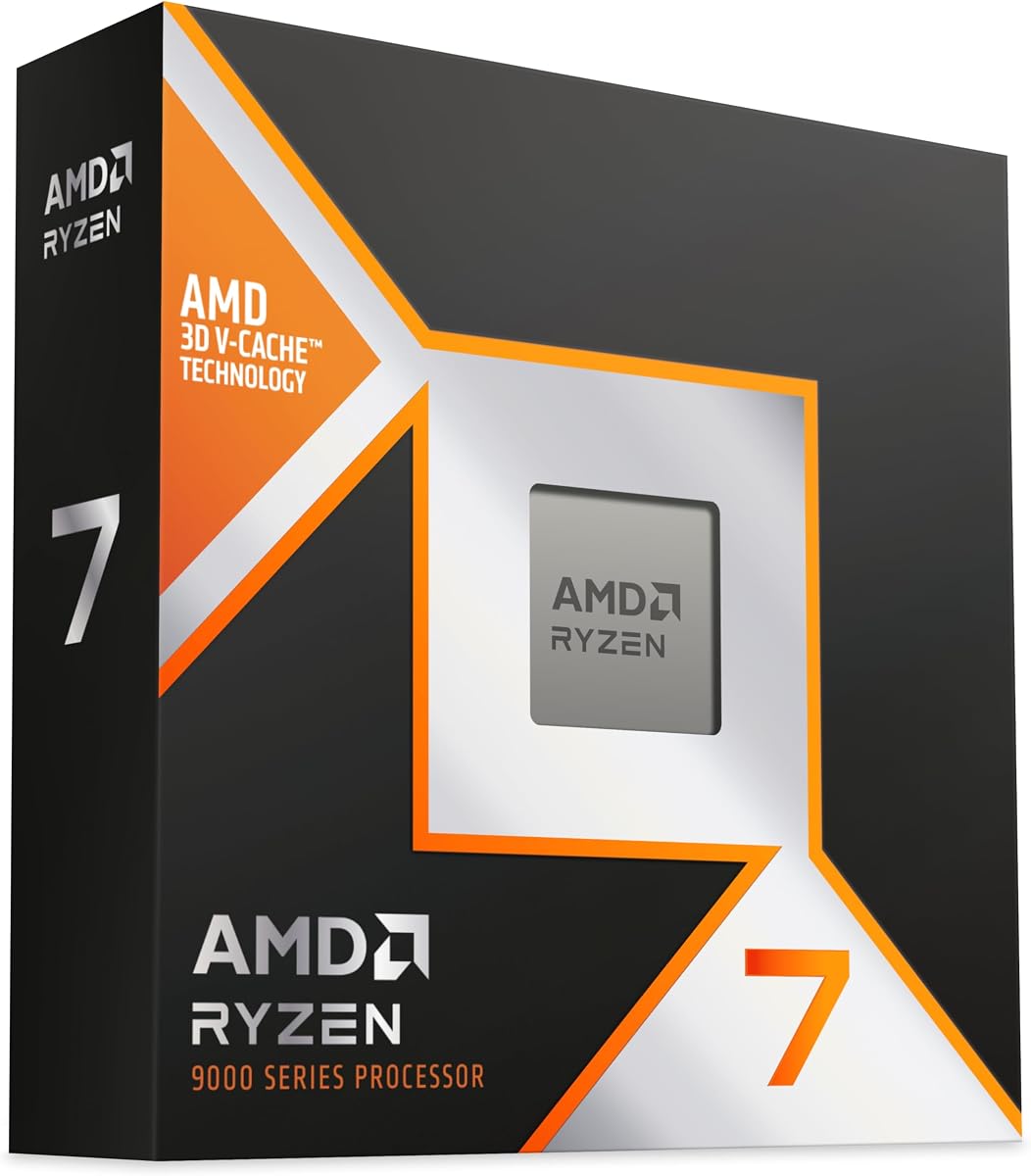
The AMD Ryzen 7 9800X3D is built on Zen 5 technology with Next Gen 3D V-Cache. It offers a powerful combination of speed and efficiency for desktop AI workloads.
We may earn a commission when you buy through this link, at no additional cost to you.
Its 96MB L3 cache improves thermal performance and allows higher clock speeds. This makes it particularly strong for tasks requiring low latency like real-time inference.
While it has fewer cores than some competitors, the IPC uplift and cache design compensate significantly. It is a drop-in ready solution for proven Socket AM5 infrastructure.
Choose this for a balanced desktop setup where gaming and AI tasks overlap. It delivers fast execution without excessive power consumption.
The 3D V-Cache technology significantly boosts performance for workloads sensitive to memory latency.
Zen 5 architecture ensures great power efficiency even under heavy computational loads.
We may earn a commission when you buy through this link, at no additional cost to you.
The Intel Core Ultra 9 285K features a Performance Hybrid Architecture with 8 P-cores and 16 E-cores. It aims to improve both performance and efficiency for cooler and quieter operation.
We may earn a commission when you buy through this link, at no additional cost to you.
Its 24 cores allow for significant parallel processing which is useful for data preprocessing tasks. The unlocked speed up to 5.7 GHz provides ample headroom for demanding workflows.
The design prioritizes workload distribution to optimize performance across different core types. It supports PCIe 5.0 for faster connectivity with modern peripherals and storage.
Select this processor for a versatile desktop that handles diverse tasks. It balances high thread counts with modern efficiency features.
Integrates two core architectures to distribute workloads efficiently for better overall system responsiveness.
PCIe 5.0 support ensures future-proof bandwidth for high-speed storage and AI accelerators.
We may earn a commission when you buy through this link, at no additional cost to you.
The AMD Ryzen 9 9950X3D is designed for both gaming and content creation. It features 16 cores and up to 5.7 GHz boost clock for maximum performance.
We may earn a commission when you buy through this link, at no additional cost to you.
Its Zen 5 architecture ensures reliable performance with efficient thermal management. This processor is ideal for users needing robust multitasking capabilities.
While it is a boxed processor, the performance gains justify the investment for professional workloads. It allows high clock speeds without sacrificing stability.
Buy this for a high-end desktop capable of handling complex rendering and AI tasks. It delivers speed where it matters most.
The 16 cores provide excellent parallel processing power for heavy computational tasks.
Built on the latest Zen 5 technology for improved IPC and efficiency.
We may earn a commission when you buy through this link, at no additional cost to you.
The AMD Ryzen 9 9900X delivers ultra-fast performance with 12 cores and 24 threads. It is based on Zen 5 architecture with a max boost of 5.6 GHz.
We may earn a commission when you buy through this link, at no additional cost to you.
Its 76 MB cache and DDR5-5600 support ensure fast data access. This makes it a strong contender for developers needing balanced multi-threaded performance.
The unlocked status allows for further tuning if you have the cooling setup. It supports PCIe 5.0 on select motherboards for future expansion.
Choose this for a cost-effective high-performance desktop. It offers excellent value for those building custom AI rigs.
The 12 cores provide robust parallel processing for complex applications.
DDR5-5600 support ensures quick data transfer rates for smooth workflows.
We may earn a commission when you buy through this link, at no additional cost to you.
The AMD Ryzen 7 7800X3D is designed for fast execution and maximum efficiency. It features an octa-core design that allows reliable multitasking.
We may earn a commission when you buy through this link, at no additional cost to you.
Its 96 MB L3 cache provides excellent hit rates for short access time. This improves system performance significantly for workloads needing quick data access.
The 5 nm process technology ensures reliable performance without excessive power draw. It comes with AMD Radeon Graphics for basic output needs.
Pick this for a reliable and efficient system. It offers a balance of speed and thermal performance for daily tasks.
The 5 nm technology ensures high performance with reliable thermal characteristics.
Massive L3 cache reduces latency for critical data operations.
We may earn a commission when you buy through this link, at no additional cost to you.
The AMD Ryzen AI Halo is designed specifically for local AI development and inference. It features 128GB unified memory for shared access across CPU GPU and NPU.
We may earn a commission when you buy through this link, at no additional cost to you.
Its Ryzen AI Max+ 395 Processor provides 16 cores and an NPU with up to 50 TOPS. It is purpose-built for Linux-based AI development with ROCm support.
The design includes a 2TB SSD and modern connectivity like Wi-Fi 7. This makes it ready for immediate deployment of AI workflows.
Buy this if you need a dedicated local AI workstation. It simplifies the setup process for serious developers.
Shared memory across components allows running larger models on local hardware.
Linux OS with preloaded tools ensures you can start coding immediately.
We may earn a commission when you buy through this link, at no additional cost to you.
The Intel Core i9-14900K allows gaming without compromise with 24 cores and 32 threads. It features a leading max clock speed of up to 6.0 GHz.
We may earn a commission when you buy through this link, at no additional cost to you.
This high clock speed ensures higher frame rates and rapid responsiveness for your tasks. It supports both DDR4 and DDR5 platforms for flexibility.
The design cuts load times and gives space to run demanding games. It is compatible with 600 series and 700 series chipsets.
Select this for a high-speed system focused on gaming and light AI. It offers raw speed in its class.
Up to 6.0 GHz clock speed provides unmatched responsiveness.
Support for DDR4 and DDR5 gives users more build options.
We may earn a commission when you buy through this link, at no additional cost to you.
The AMD Ryzen 7 9850X3D is a desktop processor designed for high performance. It utilizes X3D technology to deliver advanced computing capabilities.
We may earn a commission when you buy through this link, at no additional cost to you.
Its Zen architecture ensures reliable and efficient execution of instructions. This makes it suitable for demanding applications requiring precision.
The high performance rating indicates strong real world capabilities. It is a reliable choice for modern desktop systems.
Buy this for a robust desktop experience. It combines modern architecture with proven stability.
The X3D variant delivers enhanced performance through specialized caching.
Zen Architecture ensures compatibility and efficiency for modern workloads.
We may earn a commission when you buy through this link, at no additional cost to you.
The NVIDIA DGX Spark delivers supercomputer performance directly to your desk. It offers up to 1 petaFLOP of AI performance for local tasks.
We may earn a commission when you buy through this link, at no additional cost to you.
Its design enables enterprise-scale AI and high-performance computing in a compact form. The Grace Blackwell architecture ensures seamless software integration.
This desktop allows you to experiment and prototype faster. It is designed from the ground up to build and run AI effectively.
Choose this for a personal AI workstation. It brings massive computing power to your individual workspace.
The 1 petaFLOP performance accelerates model fine-tuning significantly.
Designed to work with the full NVIDIA AI software stack.
We may earn a commission when you buy through this link, at no additional cost to you.
Selecting the right CPU involves balancing core count cache size and architecture to match your specific model requirements and budget.
Core count determines how many parallel tasks your processor can handle. Higher core counts allow for better data preprocessing and multi-model experimentation.
Aim for at least 12 cores for serious machine learning work to ensure efficient parallel processing.
L3 cache size significantly impacts performance for tasks requiring frequent data access. Larger caches reduce latency and improve overall speed.
Prioritize CPUs with larger L3 cache sizes to minimize data transfer bottlenecks during inference.
Modern architectures like Zen 5 or newer Intel architectures provide better IPC and efficiency. These improvements directly translate to faster training and inference.
Always choose the latest architecture generation to ensure longevity and software compatibility.
Memory bandwidth is critical for loading large models quickly. Unified memory systems often provide higher bandwidth for shared CPU GPU access.
Look for high memory bandwidth specifications to support large parameter models effectively.
Ensure the CPU supports modern PCIe standards and memory types. AM5 and Intel 800 series chipsets offer future-proof connectivity options.
Verify motherboard compatibility to unlock features like PCIe 5.0 and DDR5 support.
Long running AI tasks require stable power and thermal performance. Efficient architectures prevent overheating during extended workloads.
Select energy-efficient designs to maintain consistent performance under load.
Specialized AI desktops offer built-in software stacks like NVIDIA or AMD ROCm. These streamline development and deployment processes significantly.
Choose platforms that support your preferred frameworks to reduce setup time.
Your choice should allow for future expansion or cloud deployment. Desktops designed for AI often support flexible workflows.
Consider systems that offer easy upgrades or hybrid cloud integration options.
Install your CPU in a clean static-free environment using the appropriate socket method to prevent damage. Ensure thermal paste is applied evenly for optimal heat transfer.
Keep your system cool by maintaining adequate airflow and cleaning dust from fans regularly. Overheating can cause throttling and reduce performance during long tasks.
Regularly update your BIOS and drivers to maintain stability and security. Proper care ensures your hardware performs reliably for years of development.
The best architectures are modern ones like Zen 5 or Intel Core Ultra. They offer high core counts and efficient parallel processing which are critical for training.
Yes. While GPUs handle the heavy lifting for models, CPUs manage data loading. More cores allow faster data prep and reduce bottlenecks.
Yes for enterprise needs. It offers enterprise scale AI locally with unified memory that saves on cloud costs and speeds up prototyping.
Absolutely. Standard CPUs like Ryzen 9 or Core i9 work well for many tasks especially when paired with a dedicated GPU for training.
Unified memory allows CPU and GPU to share memory space. This enables running larger models without needing expensive separate video memory.
AMD Ryzen and Radeon processors often support ROCm. This open platform provides flexibility for developers who want alternatives to CUDA.
Local AI allows secure testing without data leaving your premises. It also reduces latency and cloud subscription costs for developers.
For parallel tasks like training, prioritize cores. For latency sensitive tasks like inference, higher clock speeds can be more beneficial.
The NVIDIA DGX Spark and AMD Ryzen AI Halo stand out for those needing powerful local AI setups. They offer unmatched integration and performance for complex workflows.
For general developers, the AMD Ryzen 9 9900X offers excellent value with high core counts. It balances performance and cost effectively.
Remember to check current listings for the most accurate availability and prices. Your specific needs should guide your final purchase decision.